
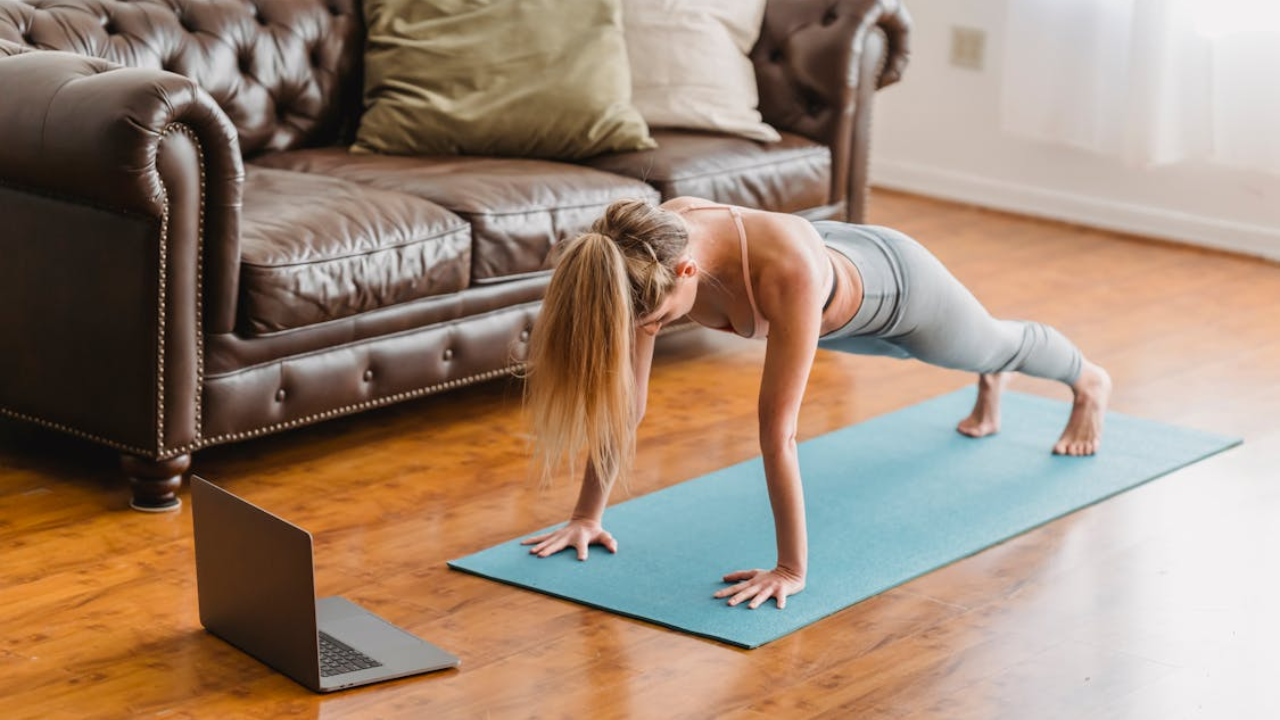
More fitness instructors are taking their classes online than ever before, and for good reason. The demand for virtual workouts has exploded, and the barrier to entry is lower than most people expect. But jumping into live streaming without the right tools is a fast way to lose clients before the first burpee ends. This guide covers every tool an online fitness instructor needs to start streaming with confidence, from cameras and microphones to platforms and software, so they can focus on coaching instead of troubleshooting.
Why Your Streaming Setup Makes or Breaks Your Fitness Classes
A fitness instructor can have years of experience and a brilliant program, but if the stream drops, the audio cuts out, or the video looks like it was shot in a basement from 2009, clients will not come back. The quality of a streaming setup is not just a technical detail: it is a direct reflection of a brand’s professionalism.
Studies in online consumer behavior consistently show that video quality is one of the top factors that influence whether viewers trust and return to a content creator. For fitness instructors, that trust translates directly into client retention and revenue.
Theonline fitness coaching platform a trainer chooses, combined with their equipment and software, forms the backbone of every virtual class they deliver. A strong setup means fewer interruptions, clearer instructions, and a better overall experience for participants. In contrast, a weak setup creates frustration on both ends. Instructors who invest time early in building a solid foundation will save themselves significant headaches down the road.
Essential Audio and Video Equipment for Fitness Streaming
Cameras, Microphones, and Lighting That Actually Work for Workouts
Not every piece of equipment marketed toward streamers is suited for a high-energy fitness environment. Instructors move fast, sweat, and need their audience to see and hear every cue clearly. That means the gear has to keep up.
- Camera: A 1080p webcam or a mirrorless camera with a wide-angle lens is the standard starting point. A wide-angle lens captures full-body movement, which is essential for demonstrating form. For instructors who move around the room, a camera with autofocus is a practical advantage, since it tracks motion without manual adjustment.
- Microphone: A USB condenser microphone or a wireless lavalier microphone delivers far better audio than any built-in laptop mic. In a fitness class, audio is arguably more important than video. If participants cannot hear a cue for a squat transition, form breaks down, and the experience suffers. A lavalier mic clips to clothing and stays close to the mouth regardless of movement.
- Lighting: Softbox lights or a ring light placed in front of the instructor eliminate harsh shadows and make the space look professional. Natural light is helpful but inconsistent. A dedicated lighting setup gives instructors control over how they appear on camera at any hour of the day.
Choosing the Right Streaming Software for Live Fitness Classes
Streaming software, often called broadcasting software, controls how video and audio get packaged and sent to an audience. Two of the most widely used options in the creator space are free, open-source broadcasting tools and subscription-based studio software. Each has its strengths depending on a trainer’s technical comfort level and production goals.
For instructors who want full control over their stream layout, lower-third text, and scene transitions, open-source broadcasting software offers a powerful and free solution. It requires a moderate learning curve but delivers professional results without a monthly fee. For those who prefer a simpler, more guided experience, browser-based streaming tools allow instructors to go live directly from their computer without any downloads.
Beyond the basics, some software options include features like real-time chat overlays, which let instructors interact with participants during a live session, and recording capabilities that allow the same session to be repurposed as on-demand content. That ability to record and reuse content is particularly valuable for instructors who want to grow beyond live classes and offer a library of workout videos to subscribers.
Tech Foundations: Internet, Space, and Hardware Requirements
Equipment and software only perform as well as the infrastructure behind them. Three foundational elements determine whether a stream runs smoothly: internet speed, physical space, and the computer itself.
- Internet speed: For live HD video streaming, a minimum upload speed of 10 Mbps is recommended, though 20 Mbps or higher provides a more stable experience. Instructors should always use a wired Ethernet connection rather than Wi-Fi wherever possible, as a direct connection reduces latency and drops significantly.
- Physical space: The room where an instructor streams needs to be large enough to demonstrate full movements without the camera cutting off limbs. A clutter-free background with good acoustics also matters. Hardwood floors and bare walls create more echo, so adding a rug or foam panels improves audio quality noticeably.
- Hardware: A computer with at least 16GB of RAM and a modern multi-core processor handles broadcasting software, video encoding, and live chat without lag. Instructors who use a lower-spec machine often experience dropped frames and overheating during longer sessions, which disrupts the class for everyone involved.
Platforms to Stream and Sell Your Fitness Classes Online
The platform an instructor chooses determines how they reach, engage, and monetize their audience. Different platforms serve different goals, so understanding the distinctions helps instructors make a decision that matches their business model.
Some instructors stream on social media platforms to build visibility and grow an audience organically. These platforms offer built-in discovery tools and broad reach, but they give instructors limited control over monetization and content ownership. Ad revenue sharing exists, but it rarely generates meaningful income for fitness instructors with smaller audiences.
For those who want to charge directly for their classes, dedicated fitness or creator platforms offer subscription models, pay-per-class options, and on-demand video libraries. These platforms are designed for fitness professionals and often include scheduling tools, client management features, and branded storefronts. The trade-off is that instructors must drive their own traffic rather than relying on algorithmic discovery.
Some instructors combine both approaches: they use social platforms to attract new followers and then direct those followers to a dedicated platform where they pay for premium content. This two-channel strategy takes more effort to manage but tends to produce higher long-term income and deeper client relationships.
Conclusion
The right tools do not guarantee success, but the wrong ones almost guarantee failure. Online fitness instructors who invest in quality audio and video equipment, reliable streaming software, a solid internet connection, and the right platform are well-positioned to deliver consistent, professional classes. Start with the fundamentals, build from there, and focus on the experience clients receive. That is what turns a first-time viewer into a long-term subscriber.
Want to unlock greater wellness?
Listen to our friends over at the Wellness + Wisdom Podcast to unlock your best self with Dr. John Lieurance; Founder of MitoZen; creators of the ZEN Spray and Lumetol Blue™ Bars with Methylene Blue.
Comments are closed, but trackbacks and pingbacks are open.